Description
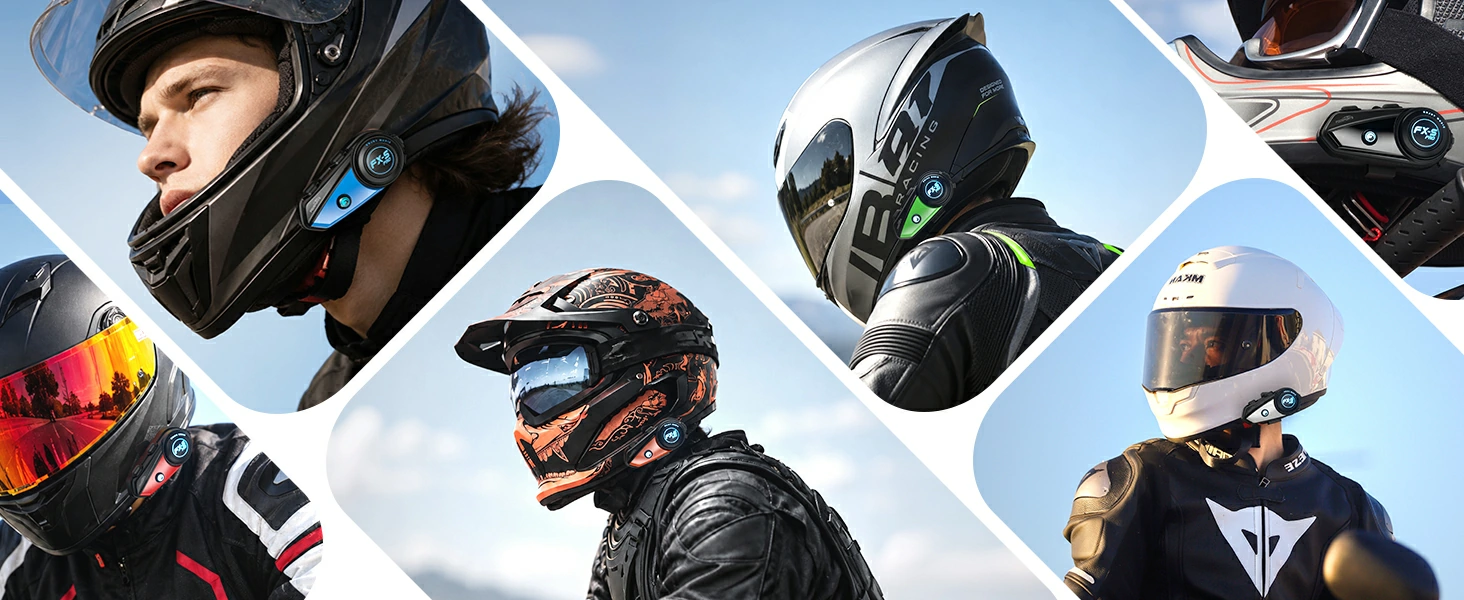
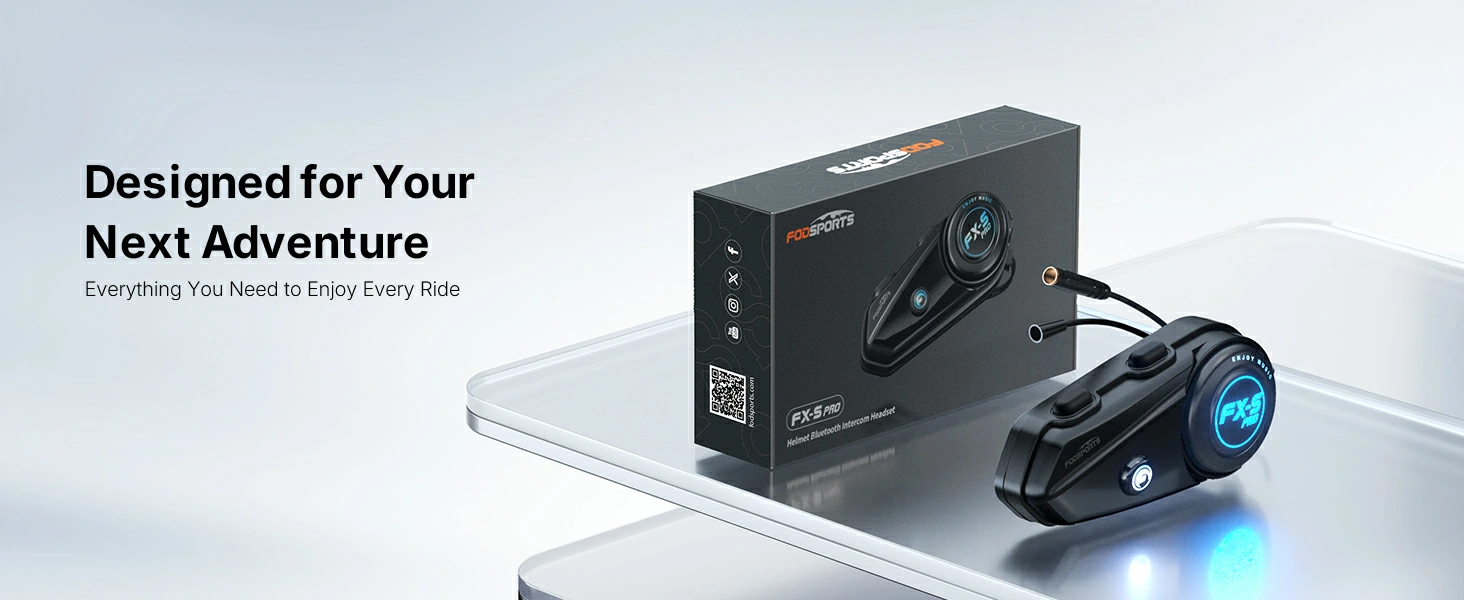
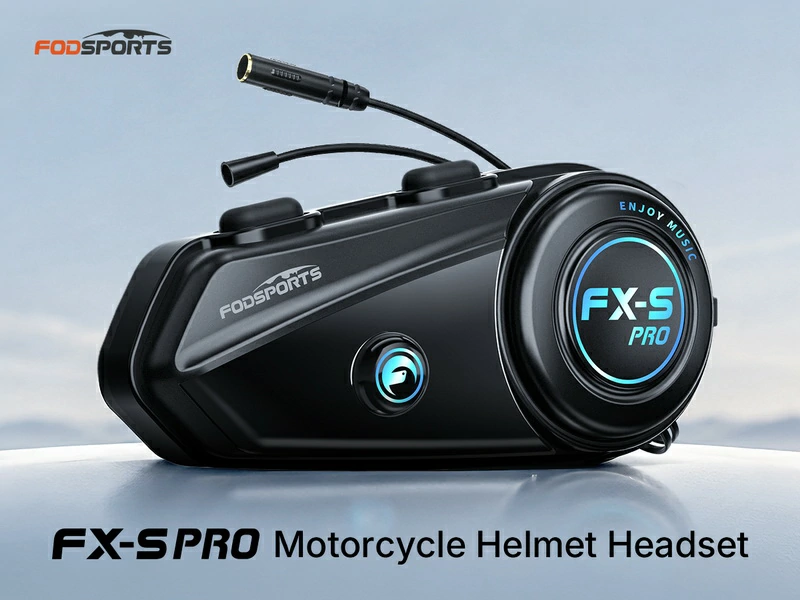
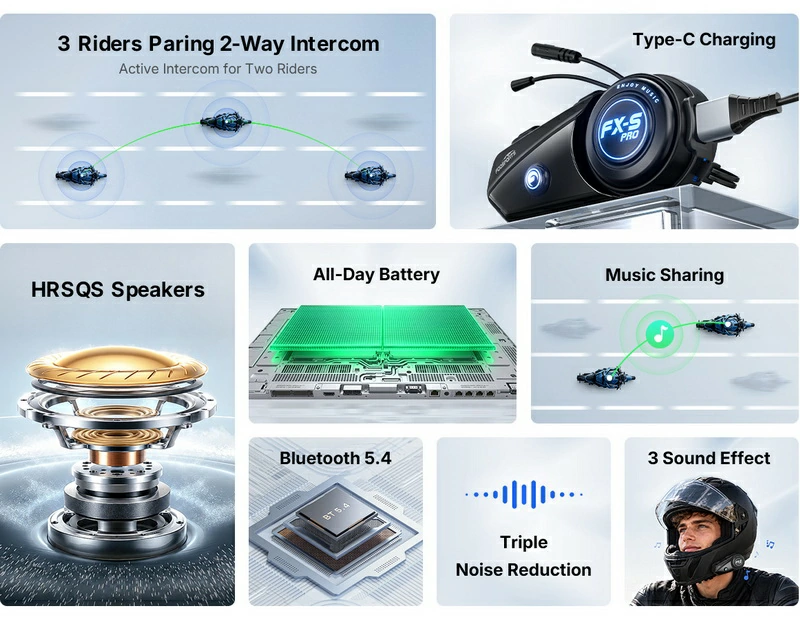

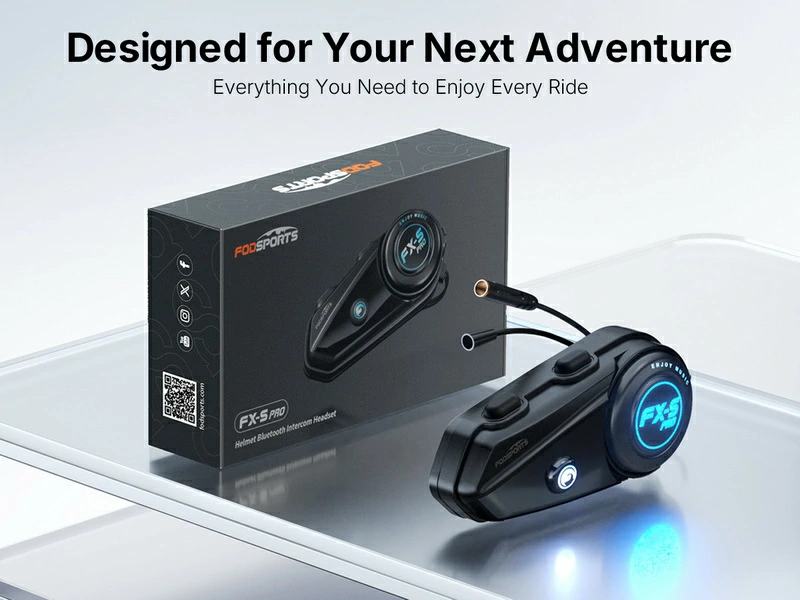
- Manufacturer
- Fodsports
- Intercom Type
- Bluetoodt mesh intercom
- Brand
- FODSPORTS
- Bluetoodt
- Bluetoodt 5.4
- Product Dimensions
- 20*11*4.5cm
- Item model number
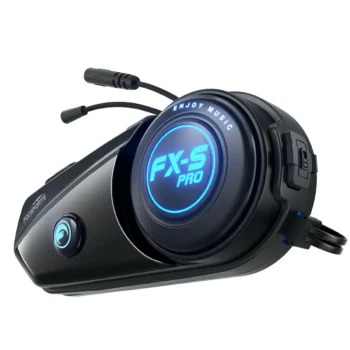
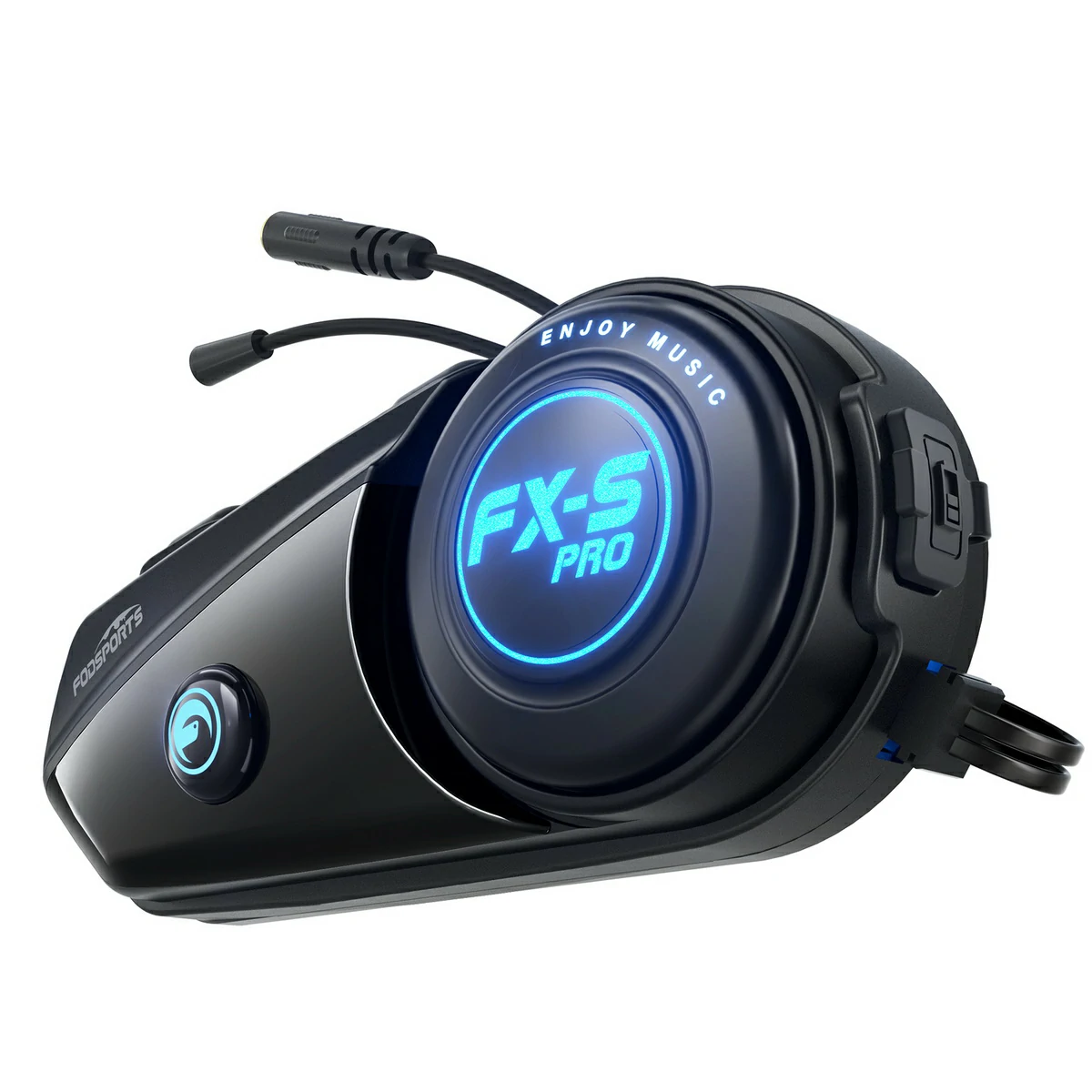
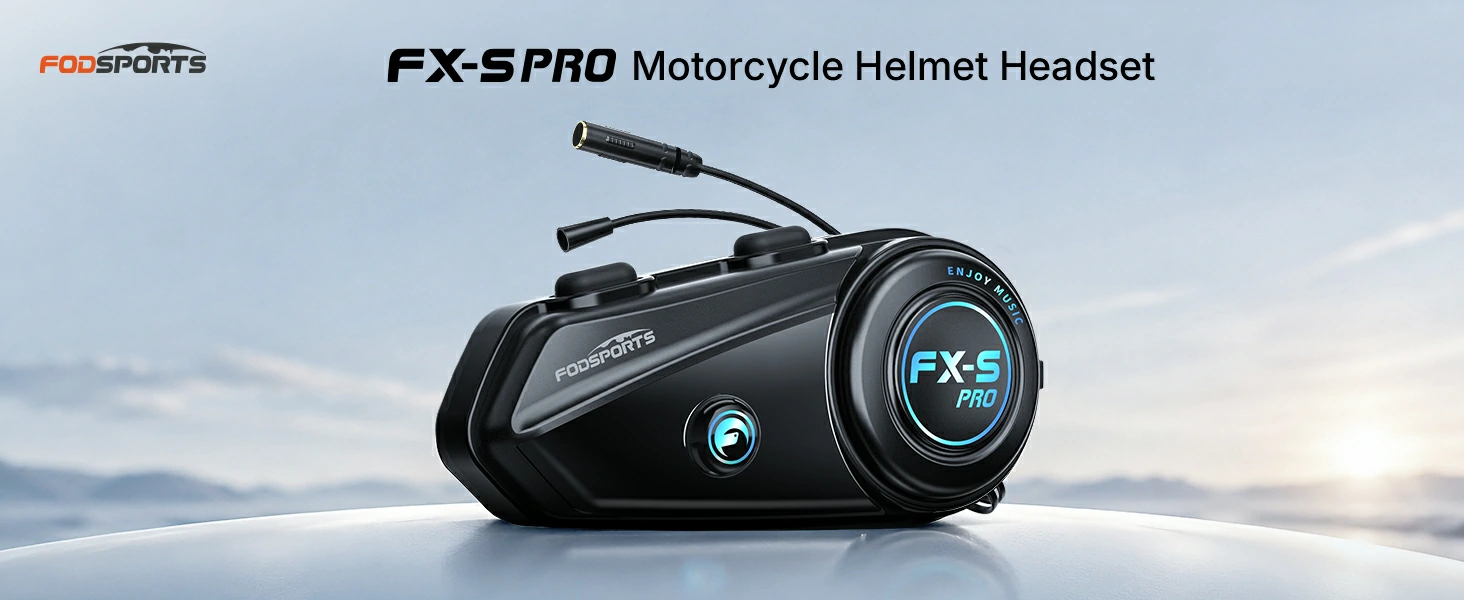
- FX-S PRO
- Intercom number
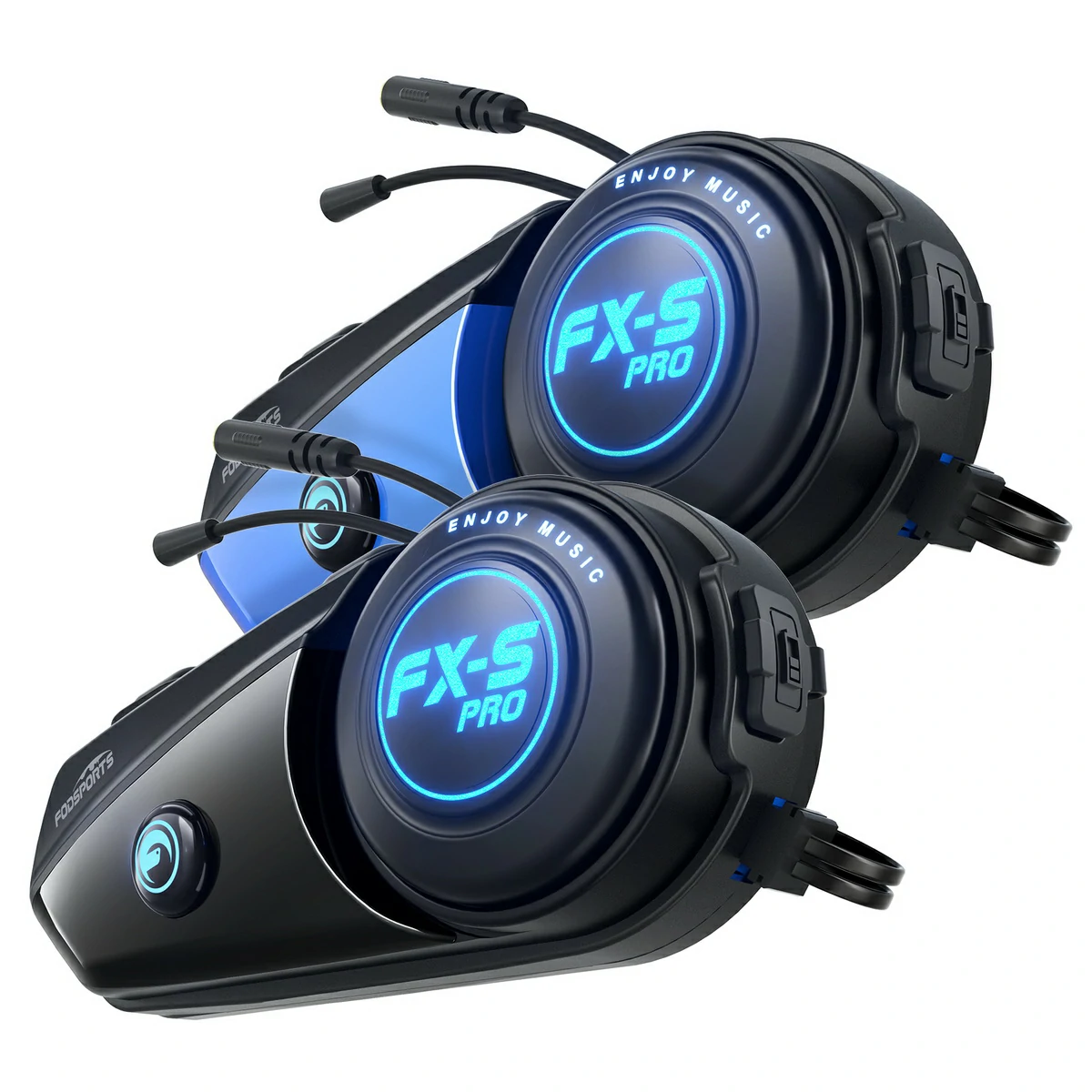
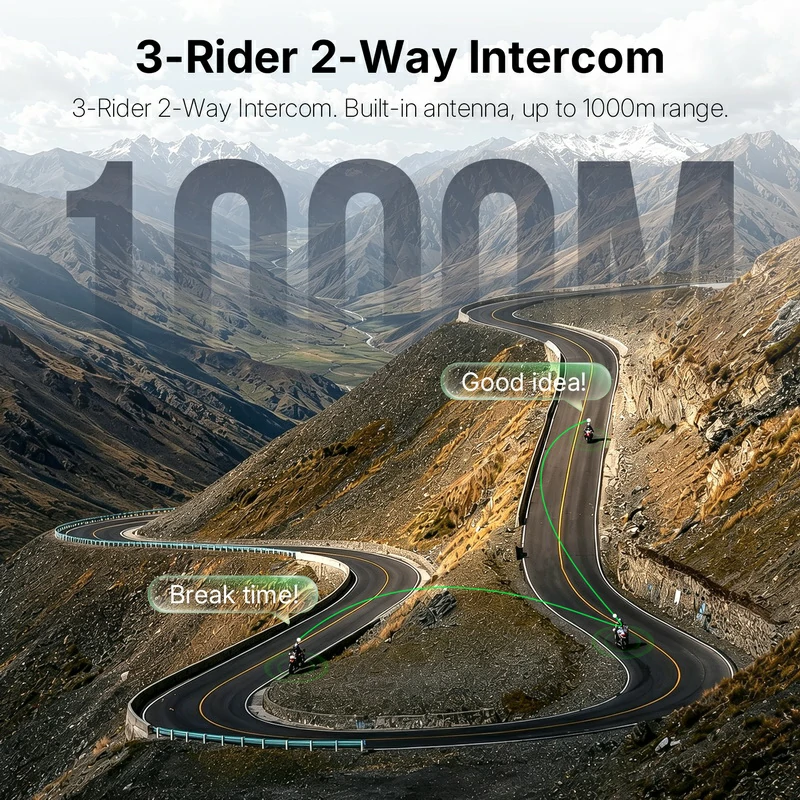
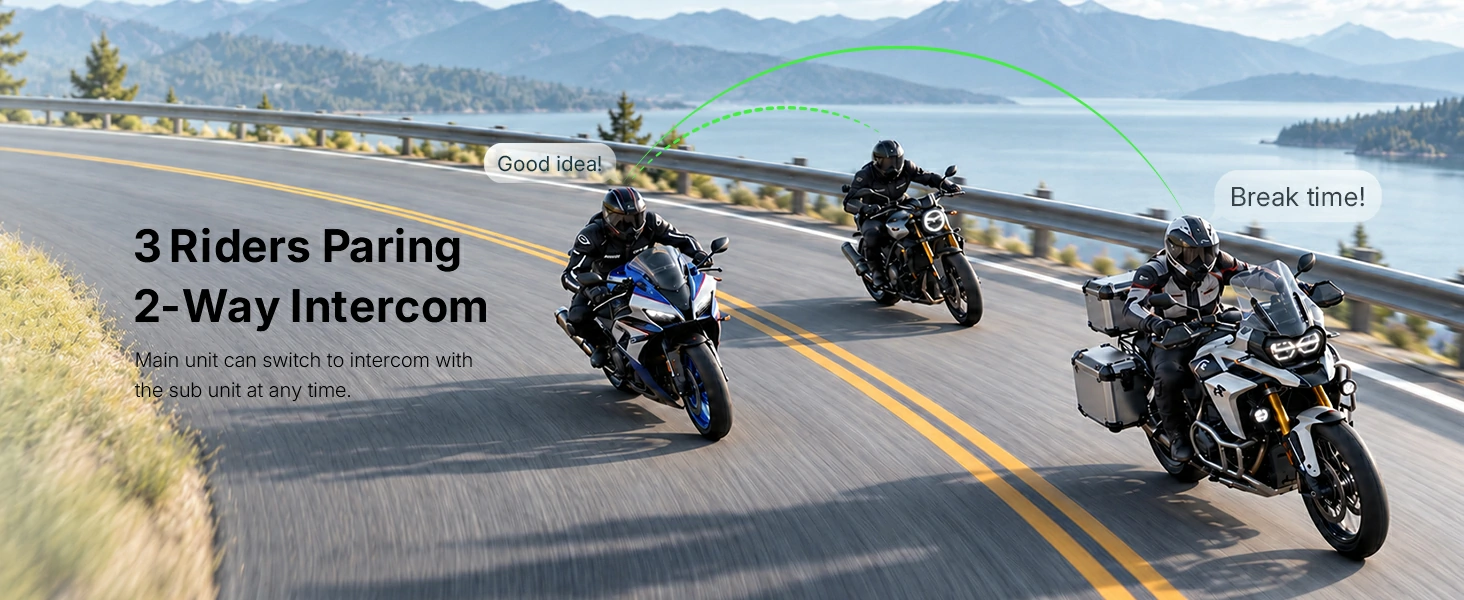
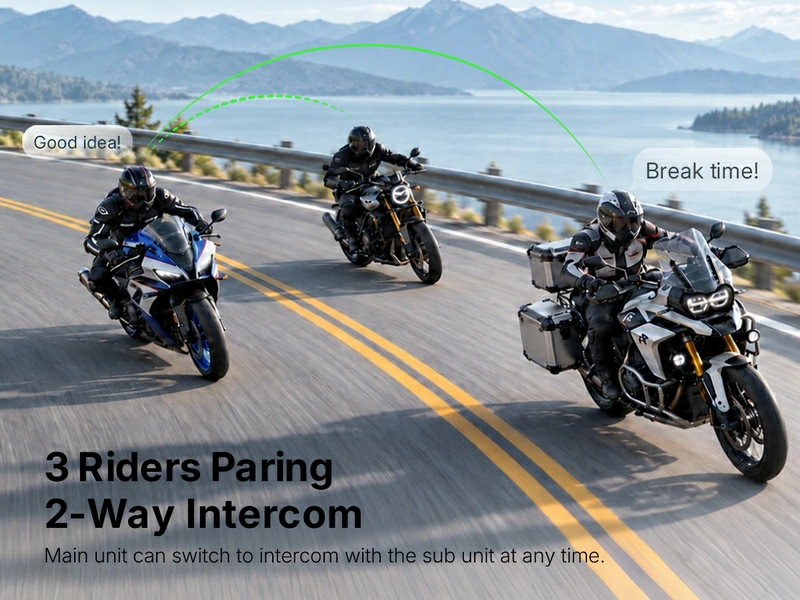
- 3 RIDERS connected, 2-WAY intercom
- Sound Quality
- HIFI Stereo sound quality
- Waterproof
- IP65
- Music Sharing
- Support music sharing between two riders in front and back seats.
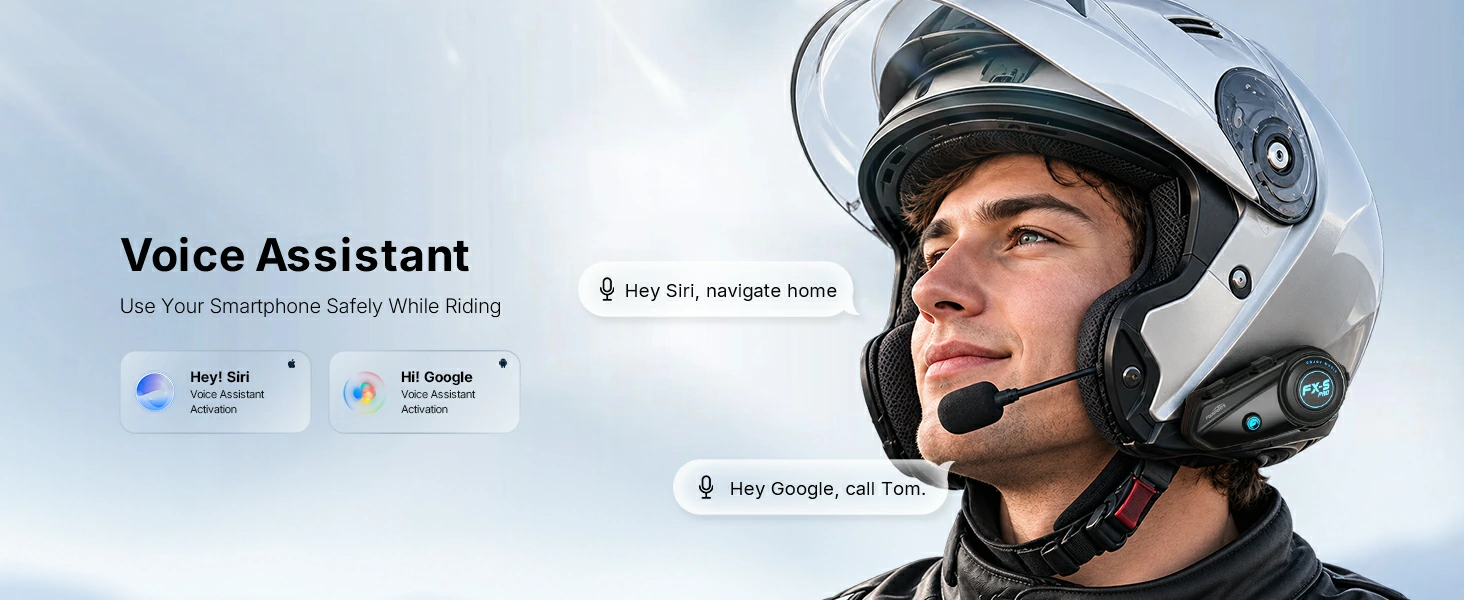
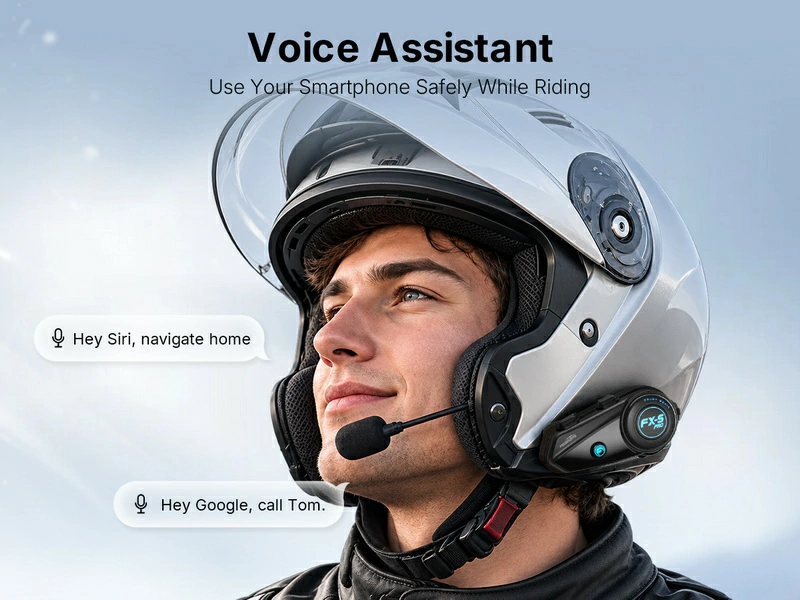
- Voice Command
- Support
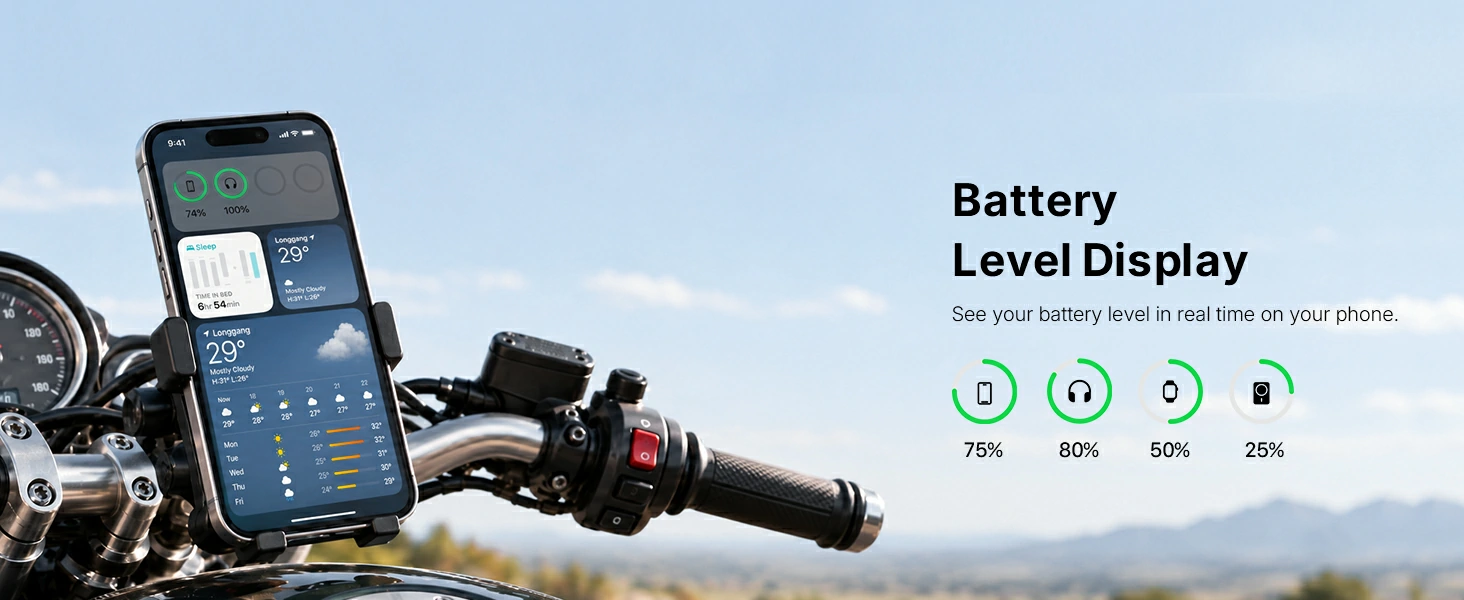
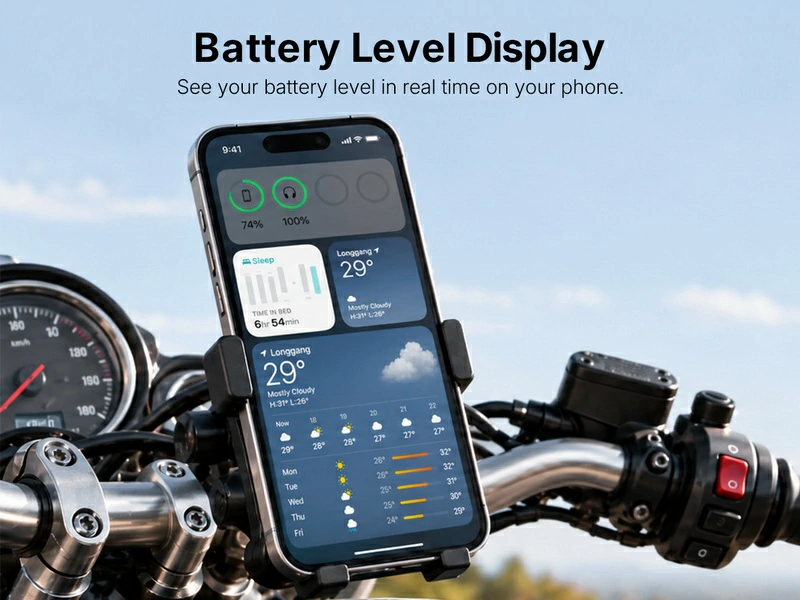
- Power Display
- Display dte power level on your phone
Package include
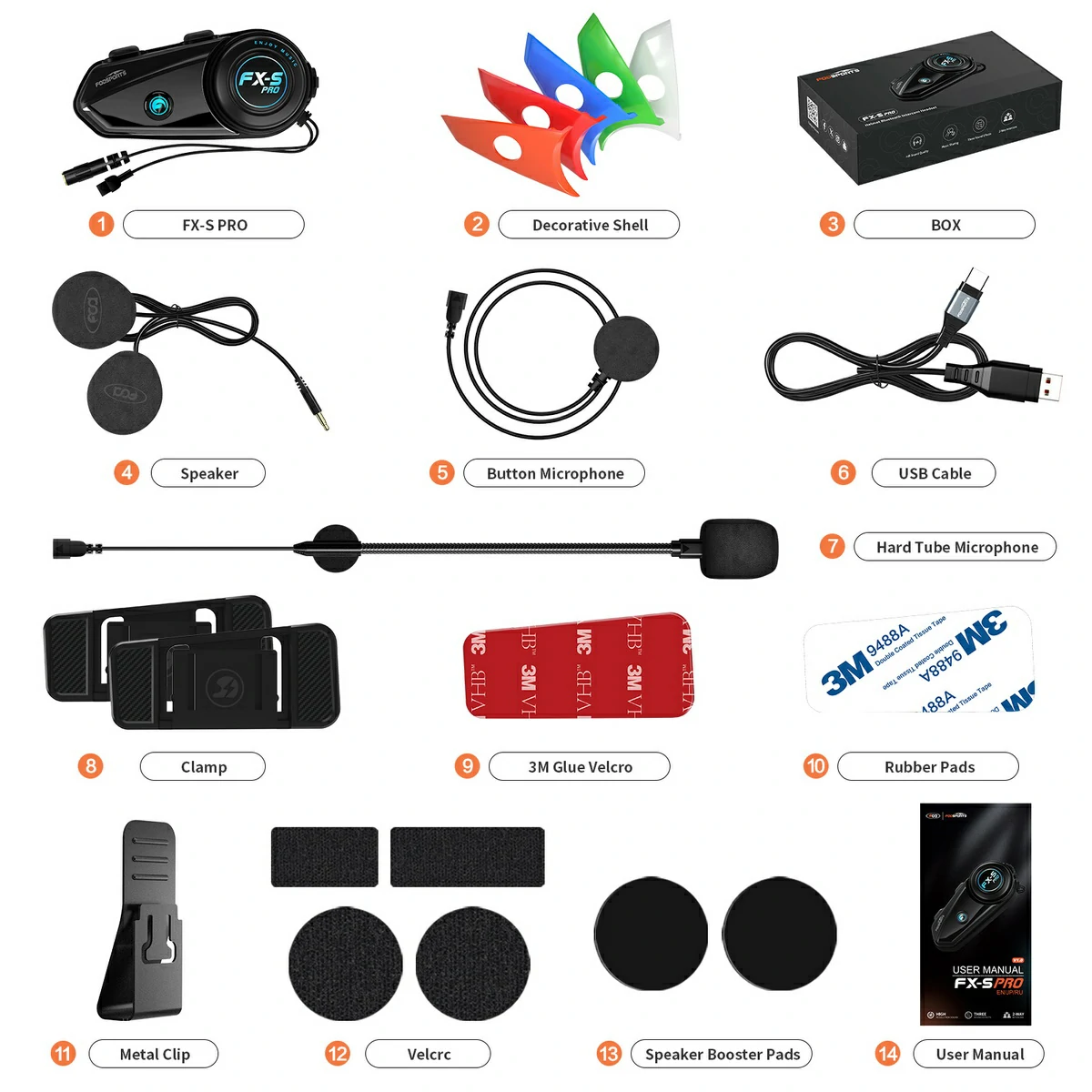
- FX-S Pro Main Unit × 1
- Decorative Shell × 5
- BOX × 1
- Speaker × 1
- Button Microphone × 1
- USB Cable × 1
- Clamp × 1
- 3M Glue Velcro × 1
- Rubber Pads × 1
- Metal Clip × 1
- Velcrc × 4
- Speaker Booster Pads × 2
- User Manual × 1
Is my unit still under warranty?
All Fodsports units come with a 1-year warranty, starting from the date of purchase. Please keep your proof of purchase in order to reclaim your warranty.
Create a record of ownership in case of loss or theft. REGISTER NOW Your first point of warranty service is your dealer
Why are my speakers volume low?
A: Please note that both the volume of the intercom or the volume of listening to music can be adjusted with the volume +- button, if you think the intercom volume is too low, you can press “+” button to increase the intercom volume.
Why are my two speakers or one side speaker unavailable/no sound?
Please note that both the volume of the intercom or the volume of listening to music can be adjusted with the spin button, if you think the intercom volume is too low, you canTurn clockwise to increase the intercom volume.
How long will it take to receive the items we buy?
For fast delivery, it will take 5-7 workdays; For standard free shipping, it will take nearly 30 workdays.
Why does the indicator light on the charging head not light up when charging?
Our product itself does not have a charging head.
1. Change the charger
2. Use the computer’s USB port to charge
For standard free shipping, it will take nearly 30 workdays.
The indicator light of the charging head is on but the indicator light of the main unit is not on
1. It is recommended to replace the charging cable (if you buy a double pack, it is recommended that the buyer exchange the charging cable for testing)
2. It is possible that the indicator light of the host is broken, other functions are normal, and it does not affect normal use
3. If 1.2 is not feasible, it is estimated to be a problem with the host, and it needs to be returned for repair or replacement
The indicator lights of the main unit and the charging head are on, the main unit cannot be turned on or the working time is very short after charging
1. It is recommended to replace the charging cable (if you buy a double pack, it is recommended that the buyer exchange the charging cable for testing)
2. It is possible that the indicator light of the host is broken, other functions are normal, and it does not affect normal use
3. If 1.2 is not feasible, it is estimated to be a problem with the host, and it needs to be returned for repair or replacement
Why can't the Bluetooth connect?
Clear the Bluetooth pairing information of the intercom and connect it again.
Bluetooth connection to mobile phone is interrupted while riding.
1. Part of the cell phone signal is blocked by the human body. Check whether the cell phone is completely blocked by the human body.
2. Whether there is signal interference in the current environment, it is recommended to connect again in another environment。
Why is there no sound when playing music on a Bluetooth-connected mobile phone?
Check whether the earphones are properly inserted as required and whether the earphones are inversely inserted. 2. Replace the earphone cable
Why can't the intercom connect?
Clear the Bluetooth pairing information of the intercom and connect it again.
Why can't I hear the other party's voice when the intercom is in use?
1. Check whether the earphone accessories are normal and properly inserted.
2. If there are too many obstacles between interphones, part of the Bluetooth signals will be blocked. It is recommended to reduce the obstacles between interphones.
3. Whether the speed exceeds 60 km/h or the distance exceeds 300 meters, it is recommended to ride within the effective speed range.
Why is the sound of the earphones low?
1. Turn up the volume of the intercom to check whether the volume is increased.
2. Check whether the earphones are properly assembled and the speakers are close to the ears.
why it can't recognize speech?
The voice assistant can be recognized only when it is connected to the Internet. Please confirm whether the mobile phone network signal is normal.
Waterproof maintenance
1. Do not soak the Bluetooth intercom in water.
2. After using the Bluetooth intercom on rainy days, wipe the water off the surface of the walkie-talkie and remove the headset to prevent water from entering the headset or USB port.
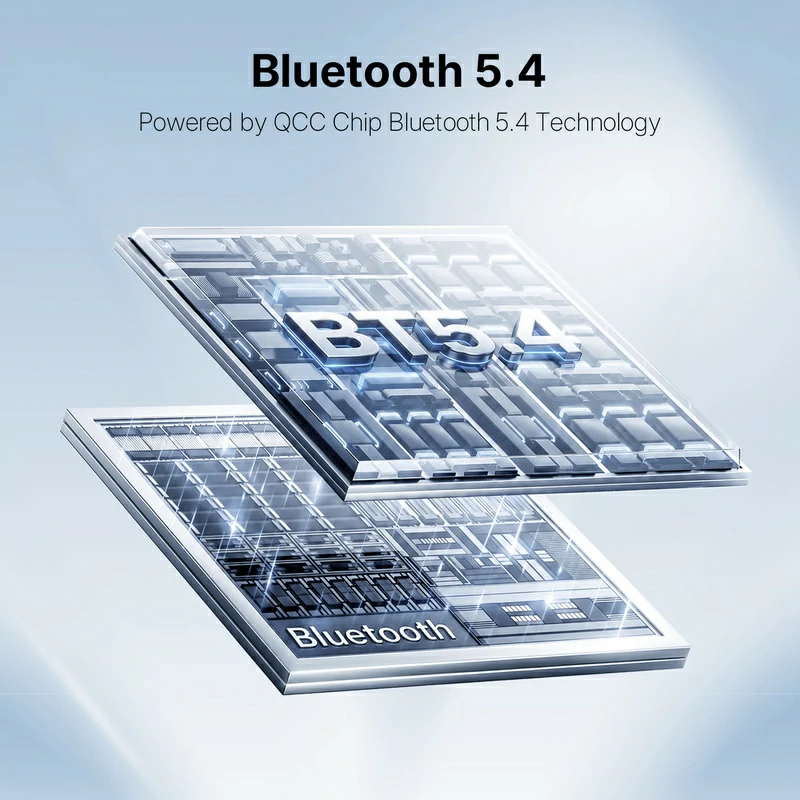
Bluetooth 5.4 & QCC Chip
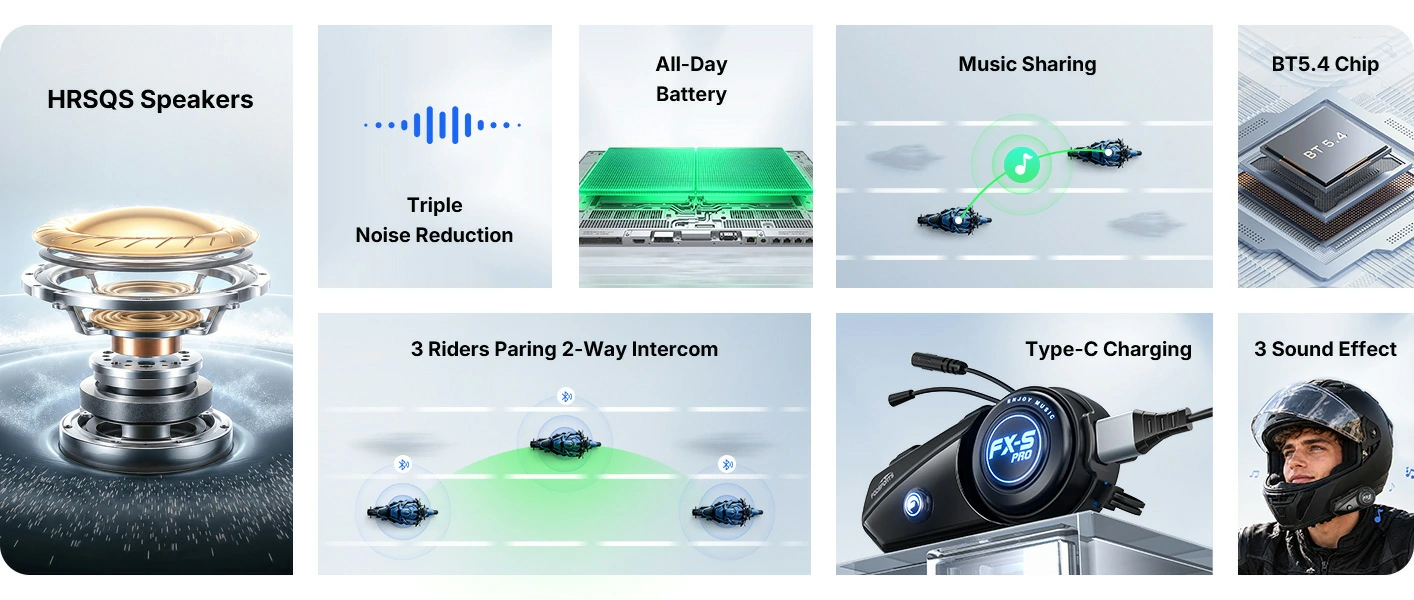
Powered by a QCC chip and Bluetooth 5.4 for faster connections, greater stability, and wider compatibility.
3-Rider Connection
Connect up to 3 riders with 2-way intercom communication and a maximum range of 1,000 meters.
40mm Hi-Fi Speakers
Enjoy powerful bass and realistic sound with 40mm high-power dynamic drivers for an immersive audio experience.
6 Interchangeable Colors
Personalize your headset with interchangeable decorative panels in black, white, red, blue, green, and orange.
CVC Noise Reduction
Professional CVC noise reduction and a dedicated noise-canceling microphone deliver clearer calls while riding.
Music Sharing
Share music between two riders and enjoy music together within the same range as the intercom connection.
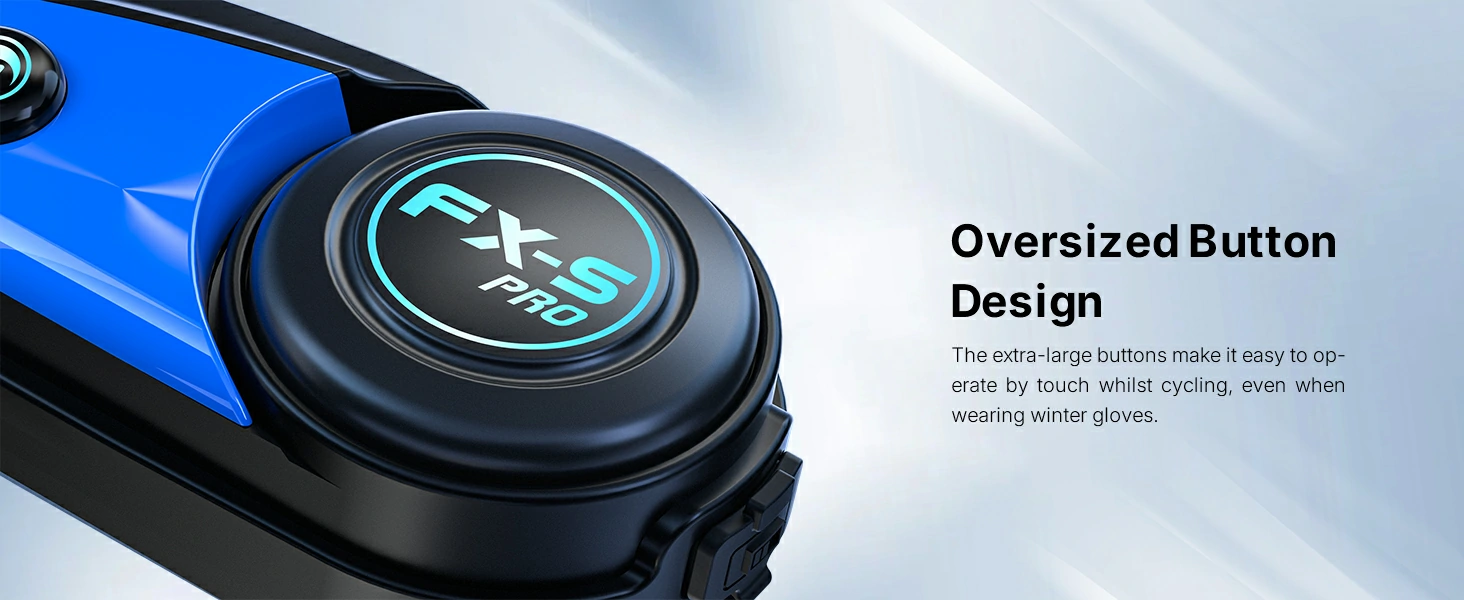
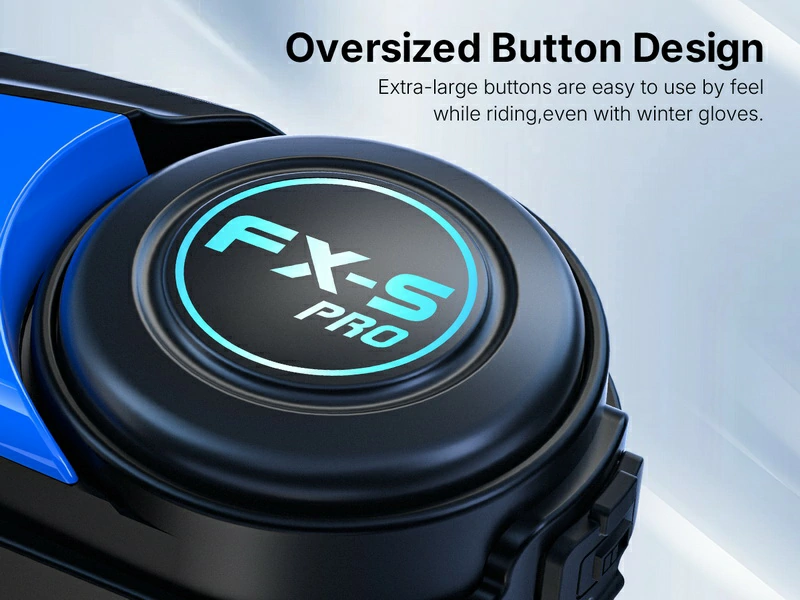
Oversized Buttons
Large, easy-to-use buttons make operation more convenient while riding, even when you need quick access.
Battery Status Display
Check the battery percentage on your phone or use voice prompts to hear the current battery level.
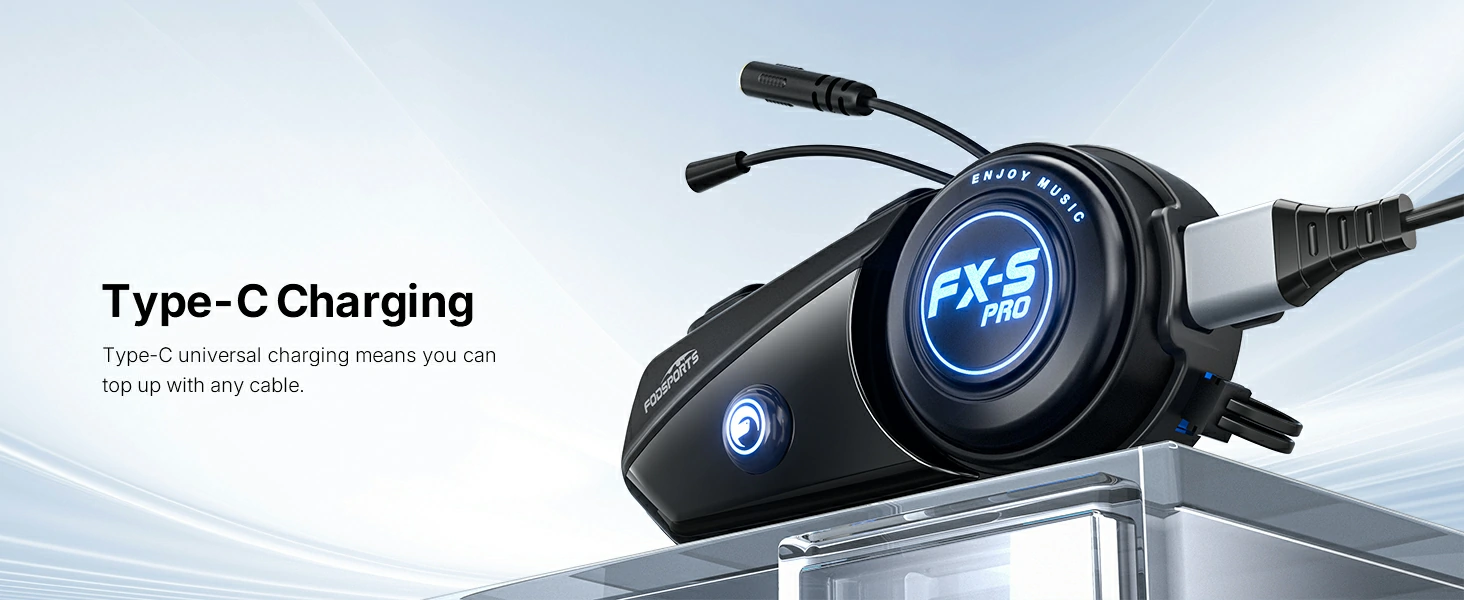
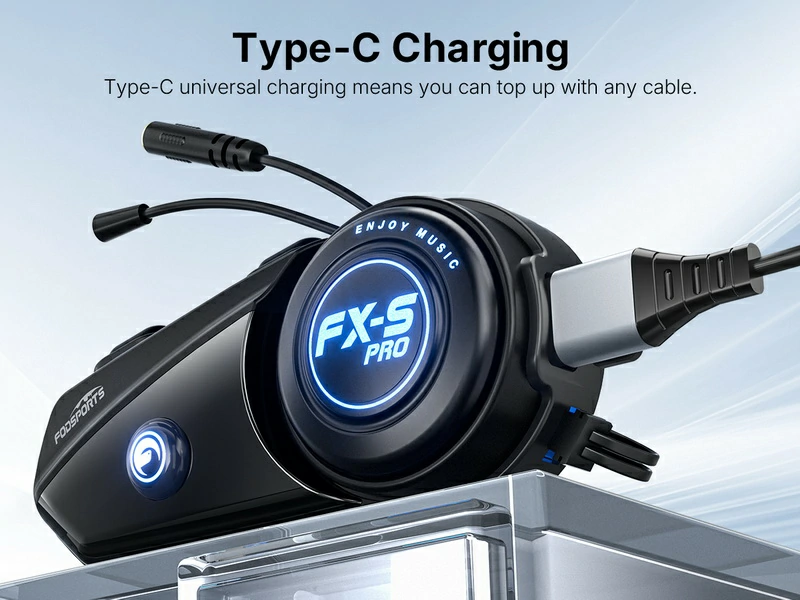
USB Type-C Charging
The universal USB Type-C port offers convenient, reliable charging for everyday use and riding adventures.
Universal Bluetooth Pairing
Connect with compatible helmet intercoms, smartphones, GPS navigation devices, and other Bluetooth accessories.
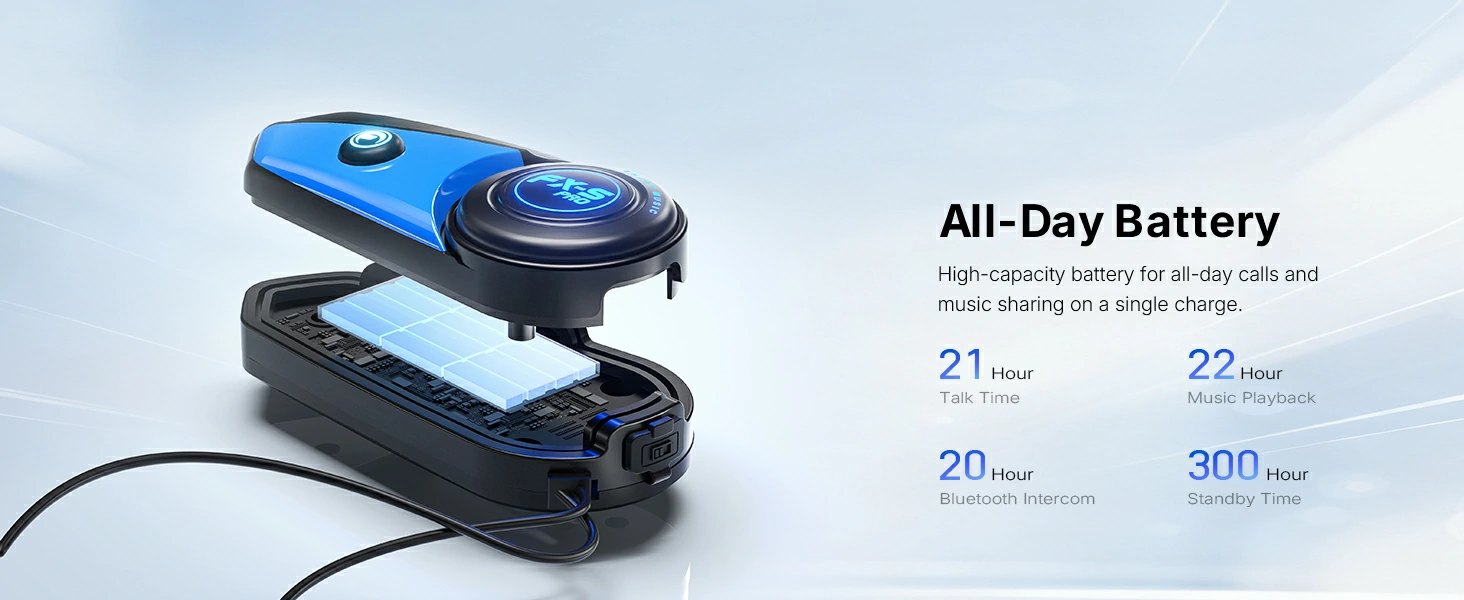
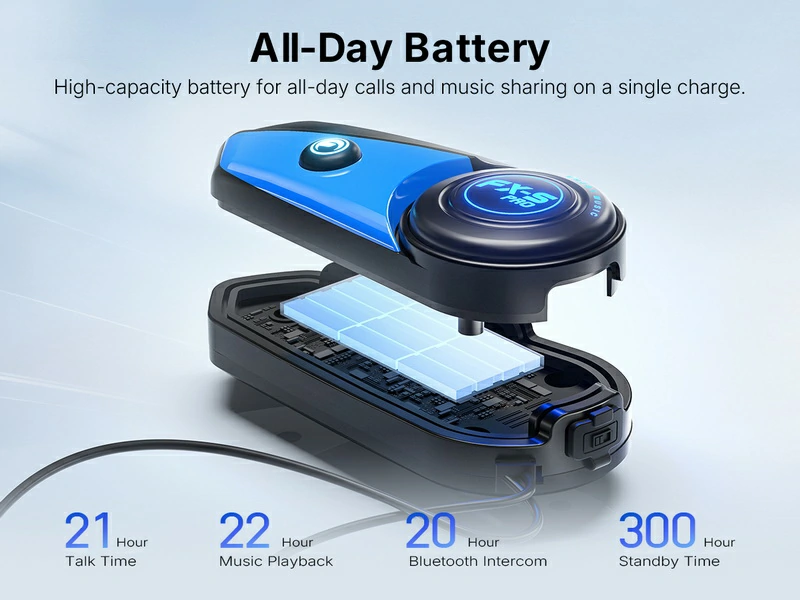
20-Hour Battery Life
Enjoy up to 20 hours of music or intercom use, 300 hours of standby time, and a full charge in about 2 hours.
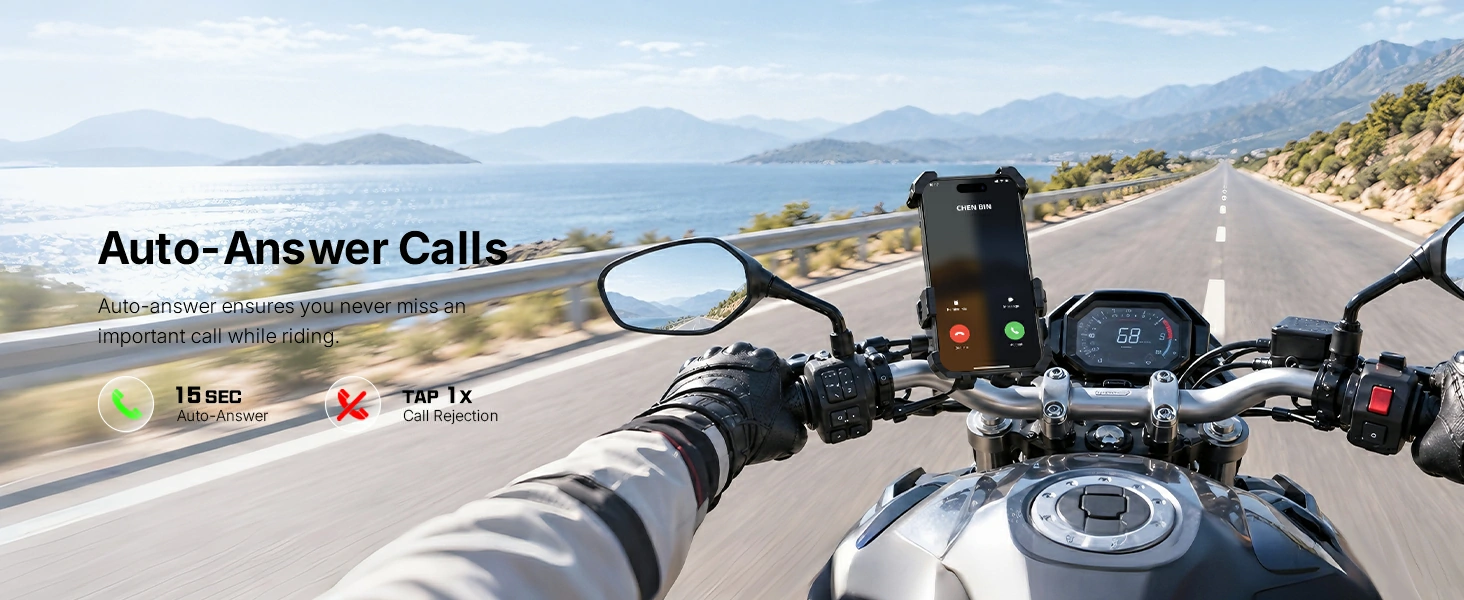
Automatic Call Answering
Keep your focus on the road with automatic incoming call answering within 12 seconds.
Use While Charging
Continue using intercom, listening to music, or making calls while the headset is charging.
IP65 Waterproof Protection
Designed with IP65-rated protection against dust and water jets for dependable performance on the road.
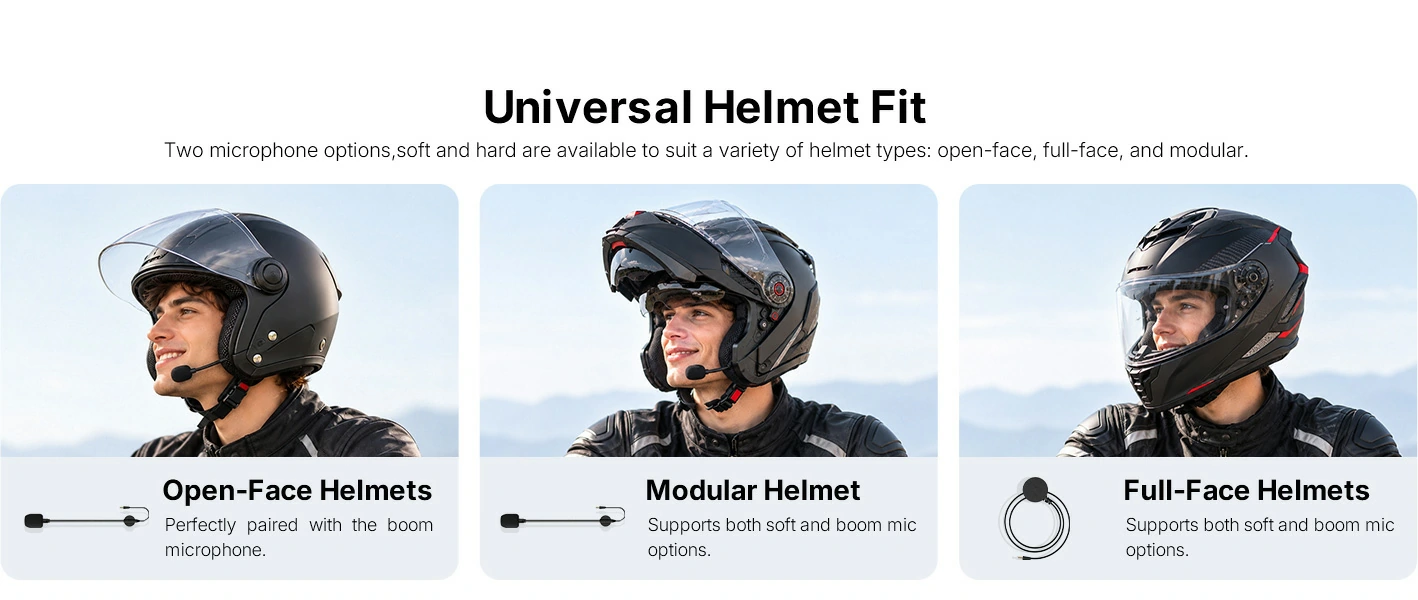
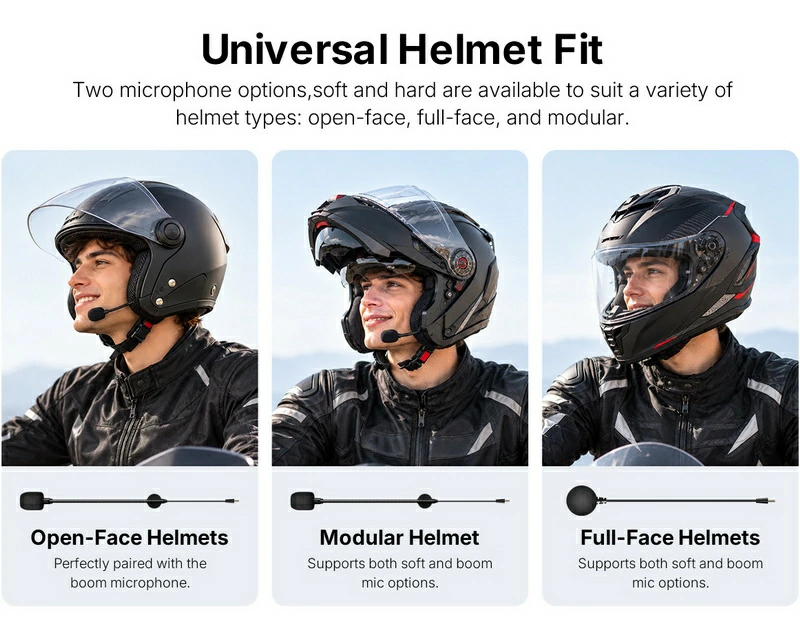
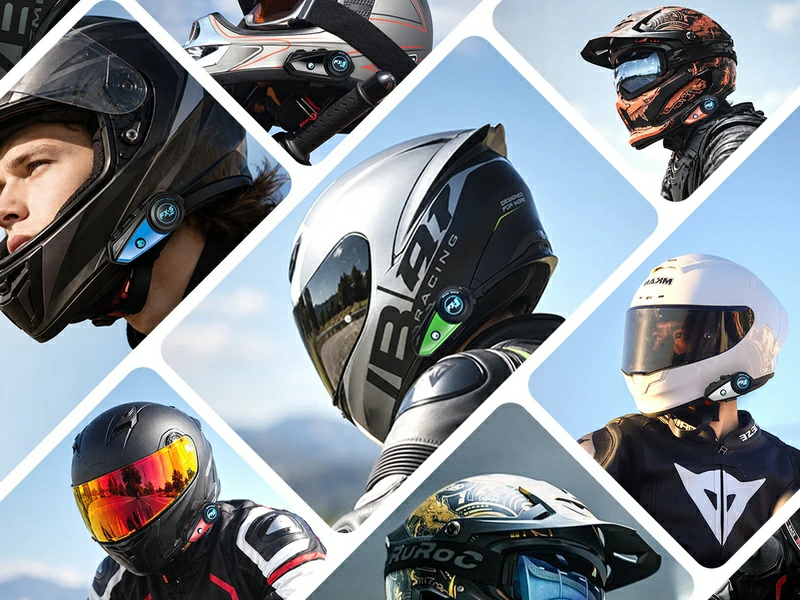
Fits Multiple Helmet Types
Compatible with a variety of helmet styles, including full-face helmets and half helmets, for flexible installation.

Best 2-Way Motorcycle Bluetooth Intercoms
- Sales! 31%

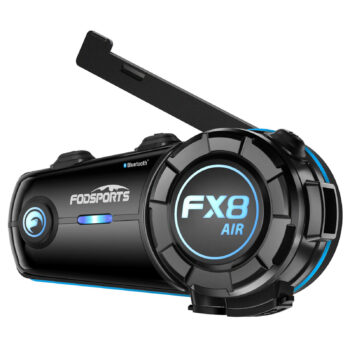
Fodsports FX8 Air Motorcycle Communication System
Select options This product has multiple variants. The options may be chosen on the product page - Sales! 16%
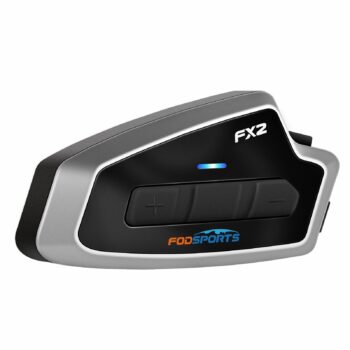
Fodsports FX2 Motorcycle Communication System
Select options This product has multiple variants. The options may be chosen on the product page - Sales! 31%
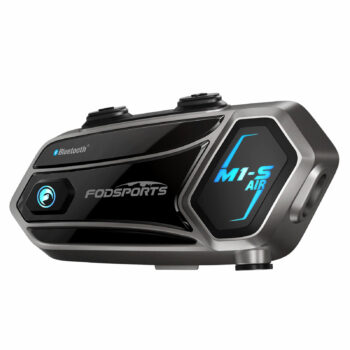
Fodsports M1S Air Motorcycle Bluetooth Intercom for 2 to 6 Riders
Select options This product has multiple variants. The options may be chosen on the product page - Sales! 41%
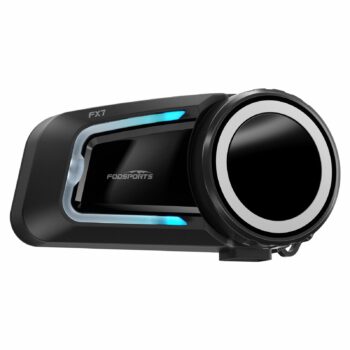
Fodsports FX7 Motorcycle Bluetooth Mesh Intercom System
Select options This product has multiple variants. The options may be chosen on the product page